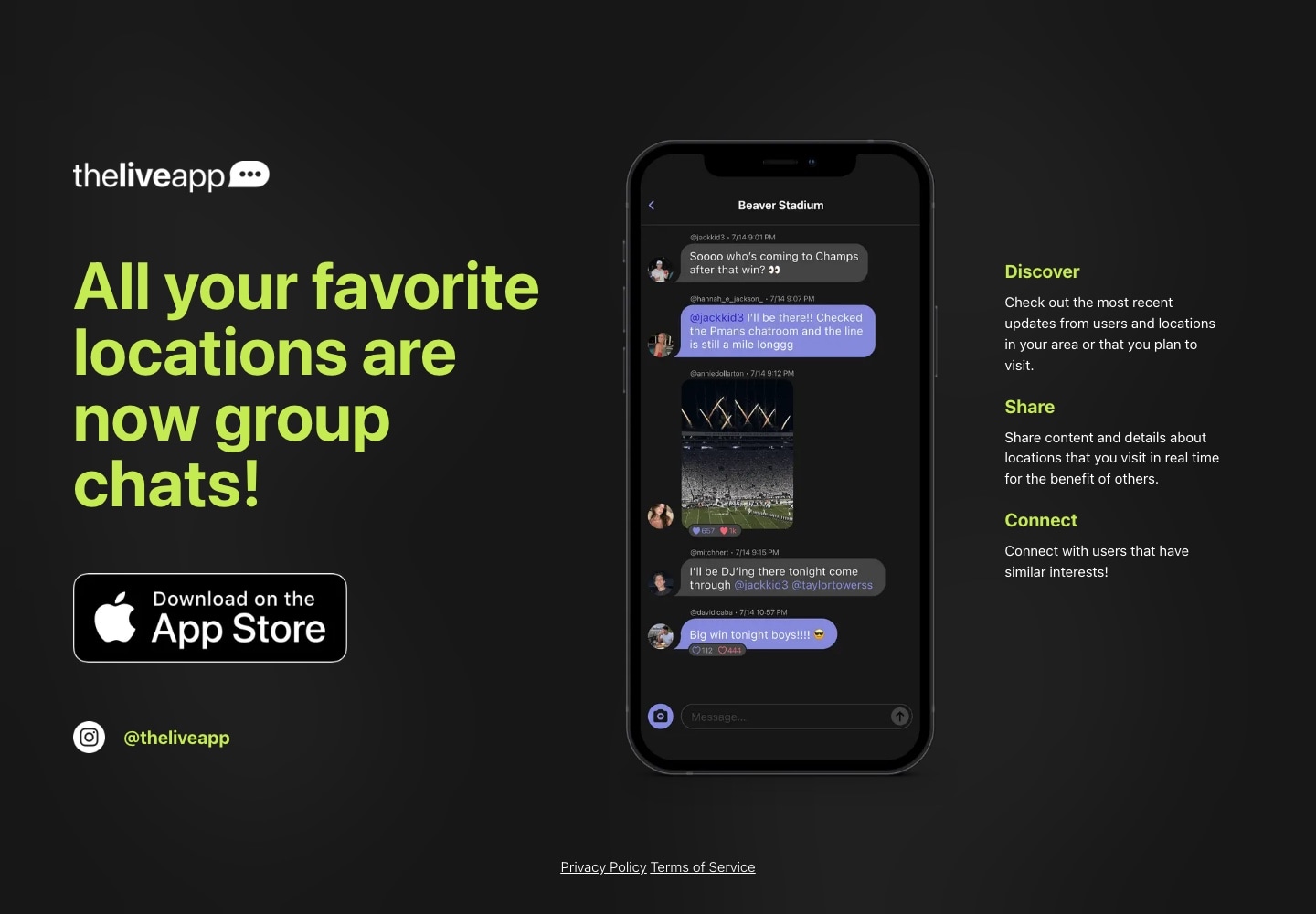
From first deployment to a rebuilt product
The first version deployed in June 2023. We later rebuilt the application and released the new version in 2025, continuing to develop its camera, discovery, conversations, and campus experience after that release.
The current product includes college email verification, featured campus rooms, nearby discovery, profiles, direct conversations, and photo and video publishing.
A native frontend with coordinated state
We built the iPhone interface with SwiftUI and The Composable Architecture.
Feature state, actions, dependencies, and navigation organize the application into connected domains. Discovery, conversations, content creation, and notifications can evolve while sharing account and application context.
The supporting web platform uses Next.js, React, and TypeScript for public sharing pages, browser chat, and administrative interfaces. These tools let the team manage rooms, review content, and operate notifications alongside the mobile experience.
A custom picture-in-picture camera
The camera brings the student and their surroundings into the same frame.
Our picture-in-picture implementation uses AVFoundation’s AVCaptureMultiCamSession to capture front and rear camera streams simultaneously. A custom Metal compositor combines the main view and inset into one output.
For video, mixed frames pass into an AVAssetWriter recording pipeline. For photos, the captured images are oriented and composited before entering the publishing flow.
SwiftUI controls connect to the native capture engine, while the parent composer handles the resulting media, caption, visibility choices, and posting.
During July 29–October 28, 2026, Mixpanel recorded 2,865 camera-use events, 4,352 photo captures, and 217 video recordings. These measure capture activity, including media that was never published. PiP usage is not separately identified by the current tracking.
Making “Around You” useful
Nearby discovery combines geographic context with activity.
The backend uses spatial queries to identify nearby rooms and determine whether coordinates fall within their boundaries. The interface presents places with conversation previews, onsite presence, and activity categories such as Buzzing, Active, and Quiet.
Students can explore a location or open “Who Is Here” to discover people associated with it.
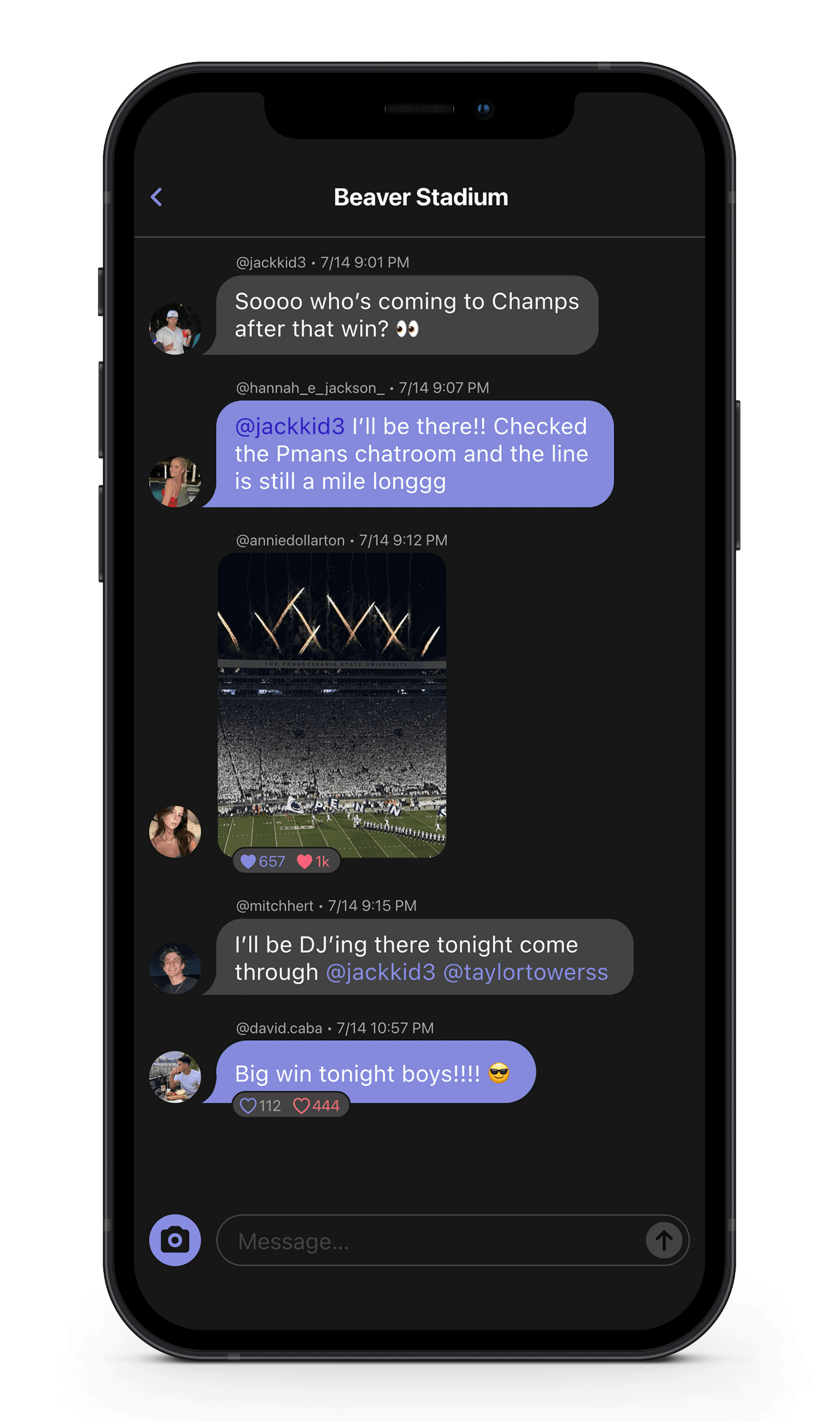
Live updates are scoped to the experience being viewed. Shared activity feeds update room activity, while visible previews claim their own subscriptions. Presence signals trigger audience-filtered API refreshes for people lists.
A backend shared across the product
A Laravel API coordinates accounts, profiles, room access, conversations, media, and notifications.
The data layer combines MongoDB for profiles and message documents with MySQL for existing relational records and geographic room data. Events, listeners, and queued jobs support work such as notification processing and reconciliation.
Images use object storage, while backend-created Mux upload URLs connect video creation to processing and playback.
This architecture supports the mobile experience and operational web tools through the same product rules.
Managing real-time connections
Laravel Reverb provides Pusher-compatible WebSocket communication. The iPhone app uses PusherSwift, and the web frontend uses Laravel Echo with Pusher JS.
Authenticated channels carry updates for conversations, rooms, feeds, and personal activity.
On iPhone, centralized connection management coordinates subscriptions, connection changes, and recovery. Shared channel ownership lets one screen release its listeners while another continues receiving the same room’s updates.
Connection lifecycle management supports movement between discovery, room previews, and full conversations.
Notifications that return to the interaction
Persisted in-app activity and OneSignal push notifications support messages, replies, mentions, reactions, and follow requests.
Notification routing takes students to the relevant conversation, profile, or content. Read states and badge updates help them track activity across the experience.
During July 29–October 28, 2026, the app recorded 11,543 notification-open events, connecting notification interactions with routes back into the product.
A product with measurable use
As of October 29, 2026, the production database contained 4,884 nondeleted profiles and 46,156 published, retained content items across posts, messages, comments, replies, and stories.
For the three months from July 29–October 28, 2026, Mixpanel recorded:
Scroll sideways to see all columns.
| Measure | Recorded activity |
|---|---|
| Distinct tracked identities | 2,170 |
| Average daily tracked identities | 165 |
| Peak daily tracked identities · October 3 | 270 |
| App-session events | 44,152 |
| Analytics events | 646,194 |
The same period included activity across creation, discovery, and social connections:
Scroll sideways to see all columns.
| Interaction | Recorded events |
|---|---|
| Post submissions | 2,190 |
| Stories created | 2,191 |
| Story views | 10,765 |
| User Reacted events | 10,218 |
| Friend requests sent | 2,107 |
| Friend requests accepted | 1,979 |
Across the available launch-to-date history:
Scroll sideways to see all columns.
| Measure | Recorded total |
|---|---|
| Analytics events since June 2023 | 3,864,543 |
| App-session events | 543,171 |
| Distinct identities with a recorded session | 7,041 |
| First-open events | 8,057 |
Analytics totals end October 28, 2026 and include all accounts and event environments recorded in the app’s Mixpanel project. Tracked identities can include signed-in, anonymous, and historical identities; they are not registered-account totals. Events include automated and background activity.
Session and first-open tracking first appears in August 2023. First-open events do not represent download counts. Post submissions do not establish successful publication, and the current reaction count does not combine older reaction event formats.
Connecting the engineering to the purpose
The Live App brings native capture, geographic discovery, media delivery, live conversations, and notifications into one connected experience.
For CoreUX, the work spans the interface students use and the systems that support it—from composing two camera streams into one video to coordinating room subscriptions and routing a notification back to a conversation.
Each part serves the same purpose: helping students connect through the places they share.